Quote:
Originally Posted by GT182

I see none Greg. I only have Photobucket at this time.
I'm looking for a site that lets us use the img tags if we don't want to add a photo as an attachment.
Bruce, I do use the [img] and [/img] but nothing shows the the "fail bomb". I'll try again.....
nor the Email and IM tag
How do you get your uploaded photos off Photobucket? I've tried and nothing happens...... copy, save as, nor save photo. I'm going to clean out what I want to saved to reuse.
|
You're not going to be able to embed anything from PB Gary. You can right click on your photos there and save them to your machine though.
As far as the HTML codes that formulabruce was explaining, it does work exactly as he described.
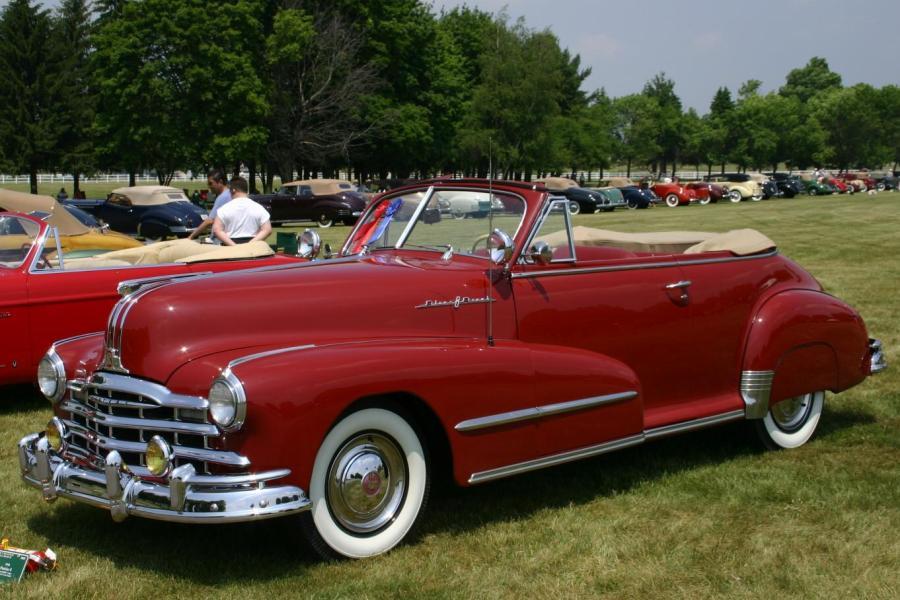
Here is an excercise for you just so you're confident that you're doing it right. You can copy a photo from this very thread and place it into your post.
1.Right click on the image I posted below (from Wikipedia's site)-
2.When the small window opens, LEFT click 'Copy Image Address'
3. In your new post, place the mouse cursor where you want the pic to appear. RIGHT Click on the field. LEFT click 'Paste'.
4. Place the HTML tags [img], etc. on each end of the link that appears. Don't forget the '/' in front of the last IMG.
Done.







 Hybrid Mode


